A light switch with a blade
, 1 min read
Red for dark mode, blue for light. Two seconds, some static, and an optional hum.
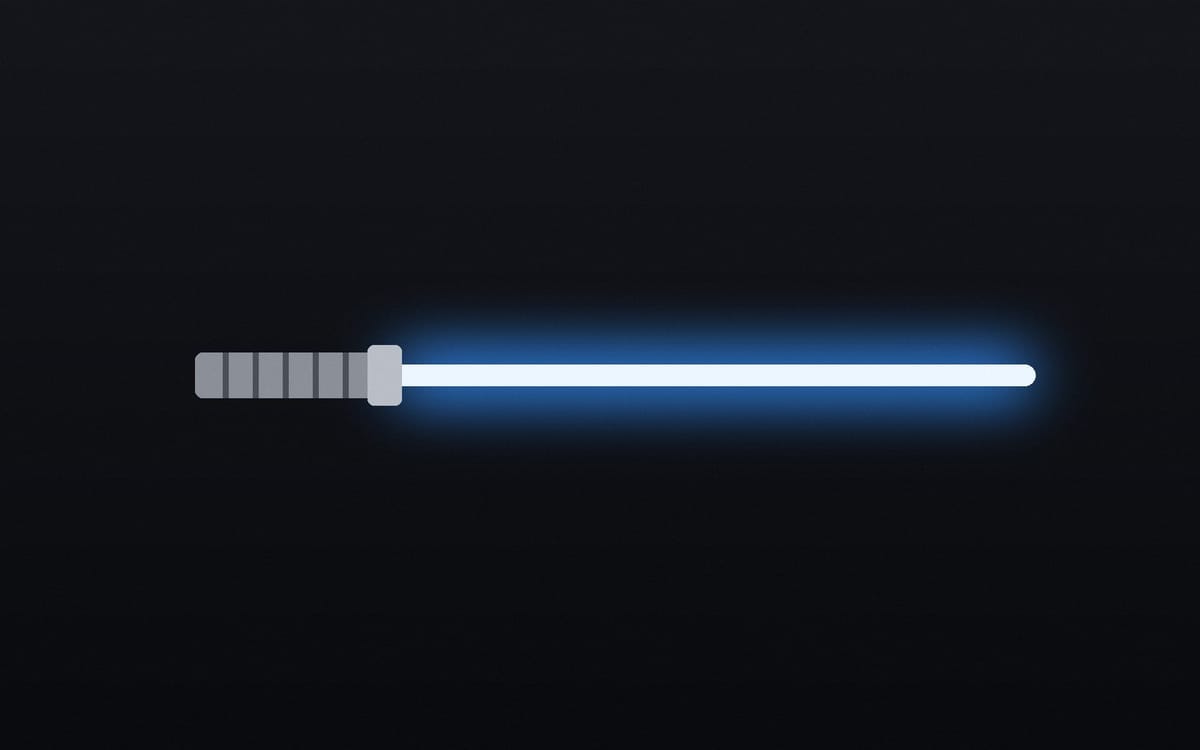
The switch between light and dark mode lives in the footer, and it's a glowing blade. Red means dark mode, blue means light.
Click it and the blade powers down, the new mode spreads across the page from the hilt with static crackling along its edge, and a blade of the other colour ignites. It takes two seconds, which is about a second and a half longer than a light switch needs.
The messages that appear beside it, and an optional synthesised sound, are theme settings. Visitors who prefer reduced motion get an instant switch instead.